Multiply your profit with Trivis AI

AI is cheap, AI is ready 24/7 — that's Trivis.

01

AI Integration

  • Conversational AI with contextual awareness
  • Semantic search over vectorised data
  • AI-driven data entry with rule-based logic
  • Every step that changes the books waits for your approval
  • Access rights management
02

Your Own AI Assistant (MCP)

  • Remote MCP server: connect Claude, ChatGPT, or any MCP client
  • Over a hundred tools, from reports to invoicing
  • Connect via OAuth, or with an API key
  • Scopes: read-only, read + write, or raw SQL
  • Tools filtered to the intersection of your scope and your role
  • Book-changing actions require an admin's approval in Trivis
03

Purchase Invoices & AI Capture

  • Drag in a PDF, a photo, or forward an email
  • AI extracts supplier, line items, amounts, and VAT
  • OCR for scans and photographed paper
  • Expense accounts suggested by semantic matching
  • Supplier history: earlier choices are remembered
  • Draft → confirmed, with the source document attached to the entry
04

Financial Management

  • Double-entry bookkeeping with a full chart of accounts
  • Accounting periods: create, close, lock, reopen
  • Fiscal years and quarters
  • Turnover and balance calculated per period
  • Multi-currency support (EUR, USD, extensible)
  • Immutable audit trail: posted entries cannot be modified
05

Reporting Dimensions

  • Custom dimension types: project, cost centre, region, etc.
  • Dimension values with validity periods (active from / to)
  • Tagging on ledger entries, sales and purchase invoice lines
  • Activate and deactivate dimensions as needed
06

Billing & Documents

  • Sales invoices: draft → confirmed → cancelled / credited
  • Quotes, delivery notes, and credit notes
  • Auto-numbering with atomic assignment
  • Line-level tax calculation with net and gross totals
  • Auto-posting to the ledger on confirmation
  • Contact auto-fill from CRM
07

Invoice Delivery

  • Send invoices by email as PDF attachments
  • Send e-invoices directly B2B via registry code
  • Receive incoming e-invoices and supplier emails
  • Delivery history with status, attempts, and errors
  • Edit recipient email directly in the invoice view
  • Token quota controls sending volume: top up as needed
08

Payments

  • Record incoming and outgoing payments
  • Stripe webhook integration
  • Partial payment and prepayment allocation
  • Unallocated cash tracking
  • Two-phase ledger posting
09

Banking

  • Bank connections that sync statements automatically
  • Incoming payments matched to invoices
  • Statement rows drillable down to the accounts behind them
  • Outgoing payment batches as SEPA pain.001 files
  • Verification of payee before a batch goes out
  • Account balances refreshed on demand
10

Estonian Reporting & Compliance

  • VAT return (KMD) generated from the ledger
  • Drill from a KMD line down to the invoices behind it
  • Balance sheet and income statement per period
  • Annual report with XBRL and XML output
  • EMTAK activity codes and revenue by activity
  • Mark a return filed; the history stays
11

Analytics & Cash

  • Receivables and payables summaries with ageing
  • Overdue invoices at a glance
  • Cashflow forecast for the coming period
  • Revenue summaries and revenue by activity
  • Trial balance and account balances at any moment
  • Fixed asset reconciliation
12

HR & Payroll

  • Employee register with employment data
  • Absence and leave tracking
  • Payroll calculation
  • Salaries, national ID codes, and bank details behind a separate permission
  • A lookup level that answers who works here without exposing pay
  • Reads of regulated personal data are audited
13

Contacts (CRM)

  • Universal contact database shared across all modules
  • Sales deals and pipeline tracking
  • Logged interactions and full contact history
  • Soft-delete / archive semantics
  • Dynamic relationship and attribute types
  • Auto-fill search
14

Tasks & Workflow

  • Task creation, assignment, and due dates
  • Status tracking: open → in progress → done
  • Full-text task search
  • Complete and archive workflows
15

Contracts

  • Full lifecycle: draft → active → suspended → terminated
  • Immutable version history on status transitions
  • Party relationships and billing rule definitions
  • Templates and legal clauses
  • Semantic search throughout
16

Recurring Billing

  • Contract-to-invoice automation
  • Billing schedule management: pause, resume, reset
  • Quarterly, monthly, weekly, or daily billing
  • Queue tracking for pending jobs
17

Product Catalogue

  • Physical goods, digital services, services
  • Fixed, per-unit, tiered, volume, and flat pricing
  • Price versioning with validity windows
  • Bundles, variants, and COGS tracking
  • Tax category mapping and semantic search
18

Fixed Asset Accounting

  • Asset register with serial and barcode numbers
  • Straight-line depreciation with automatic period proration
  • Batch depreciation runs for the entire organisation at once
  • Asset write-off with automatic ledger entry
  • Depreciation history per period: accumulated depreciation and book value
  • Auto-trigger depreciation on accounting period close
19

Documents & Files

  • Every uploaded document kept in one place per organisation
  • The original stays one click from the entry it became
  • Server-side PDF rendering for invoices and reports
  • File access gated by role, like every other service
20

Custom Tables

  • Define your own tables for data the standard modules don't cover
  • Records created, updated, and searched like any other data
  • Reachable from the AI assistant as well as the web app
21

Platform Foundation

  • Multi-tenant SaaS: schema per organisation
  • Unified authentication: local login, Google and Apple sign-in, 2FA
  • Organisation management and fine-grained roles across fifteen services
  • Package subscriptions: free / standard / premium
22

Audit & Compliance

  • Immutable audit log: all changes tracked
  • Blockchain-style audit: tamper-evident chain
  • Decimal arithmetic throughout: no silent rounding
23

Settings & Reference Data

  • Bank and IBAN management
  • Employee data, locations, and projects
  • Organisation profile settings
24

Security

  • Multi-tenant schema and database-level isolation
  • End-to-end encryption for all security keys
  • Scalable, pod-level processing and workload isolation

Mobile app

Trivis in your pocket

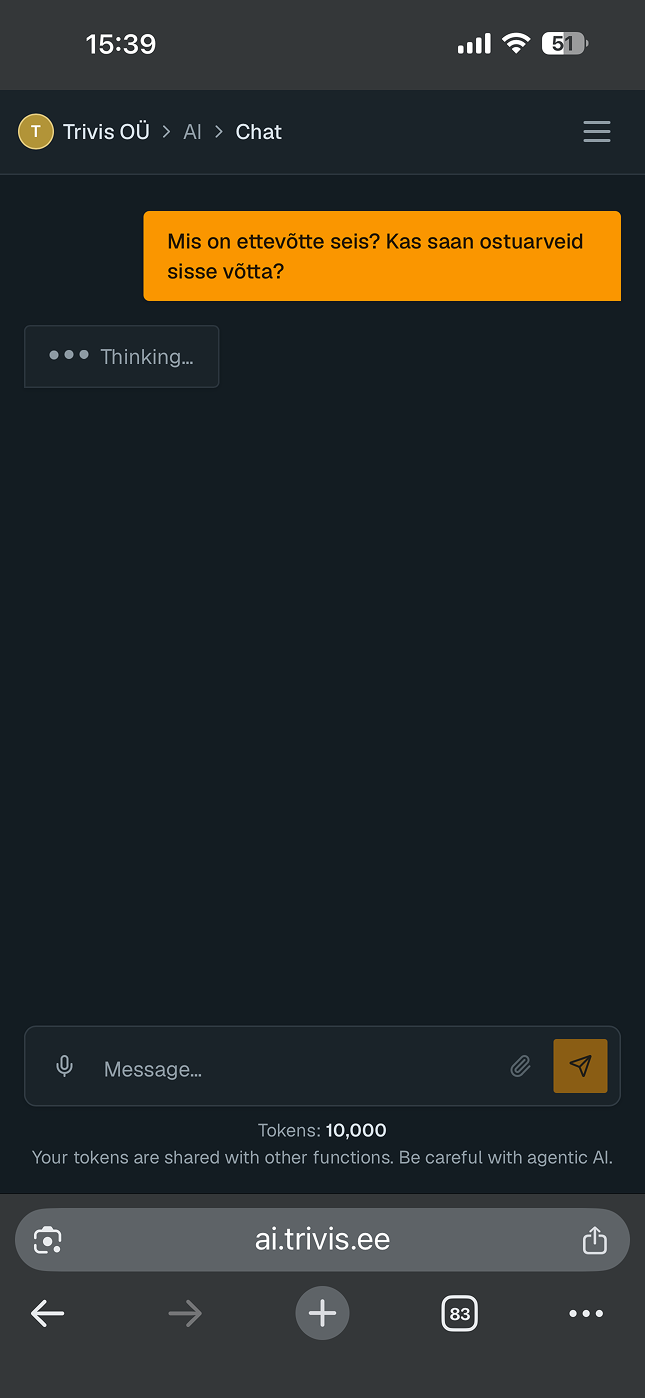
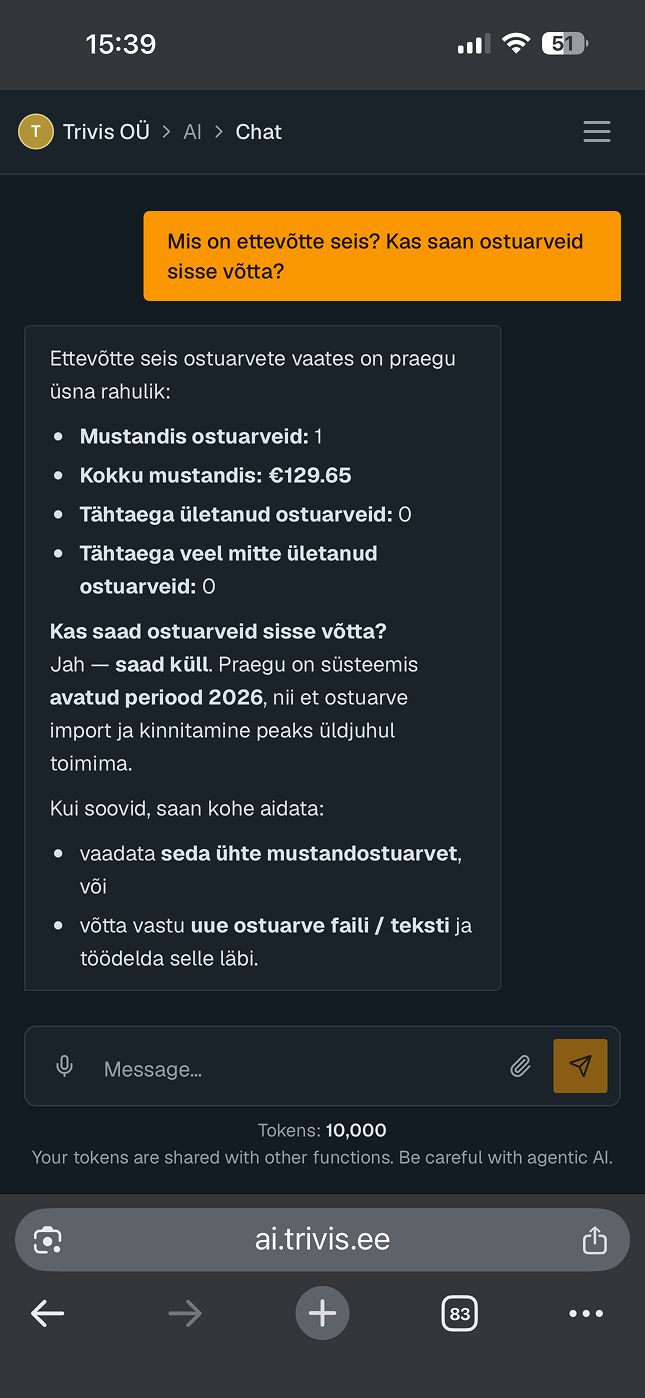
The same agent as on the web, on the phone that's already in your hand. Photograph a receipt where you got it and it is booked before you're back at the car.

  • Capture on the spot

    Camera, photo library, or any file. The AI reads the supplier, the lines and the VAT, and posts the invoice with the right expense accounts.

  • Talk to the agent

    Give a goal, watch the plan it proposes, approve it before anything touches the books. The same tools as the web app, on a phone screen.

  • Every document in one gallery

    Everything anyone in the organisation has sent in, searchable, with the original always one tap away.

  • All your clients in one app

    Switch between organisations without logging out — an accountant carries every client along.

  • Try it before you have an account

    The first run does one real piece of work with your own document, and keeps it when you sign up.

  • Sign in your way

    Email and password, Google, or Apple, with two-factor authentication.

Download on the App StoreGet it on Google Play

Free on iOS and Android.

The Trivis app chat screen on a phoneA purchase invoice captured in the Trivis app
Start usingFree